Dyme Miles for Chrome
Earn Dyme Miles every time you shop.
Add Dyme to Chrome, shop at thousands of stores, and earn Miles towards your next free trip. No blackout dates, and no expiry while your account is open.

Disclosure: We earn a commission from partner stores and share it back with you as Miles. An offer only applies when you activate it.
Thousands of stores
Shop at brands you love.
Where your Miles go
Everyday shopping earns your next trip.
- Any hotel or flight on Dyme
- No blackout dates
- No expiry while open
- Pay in full with Miles, or top up with cash
And every Mile helps fund clean energy for schools and hospitals. New solar, never offsets, at no extra cost to you. How Dyme Miles work

Everyday orders
add up to your next stay
How it works
Set up in under a minute.
Install the Chrome extension
Add it from the Chrome Web Store, then enter your email. No password needed.
We find the Miles
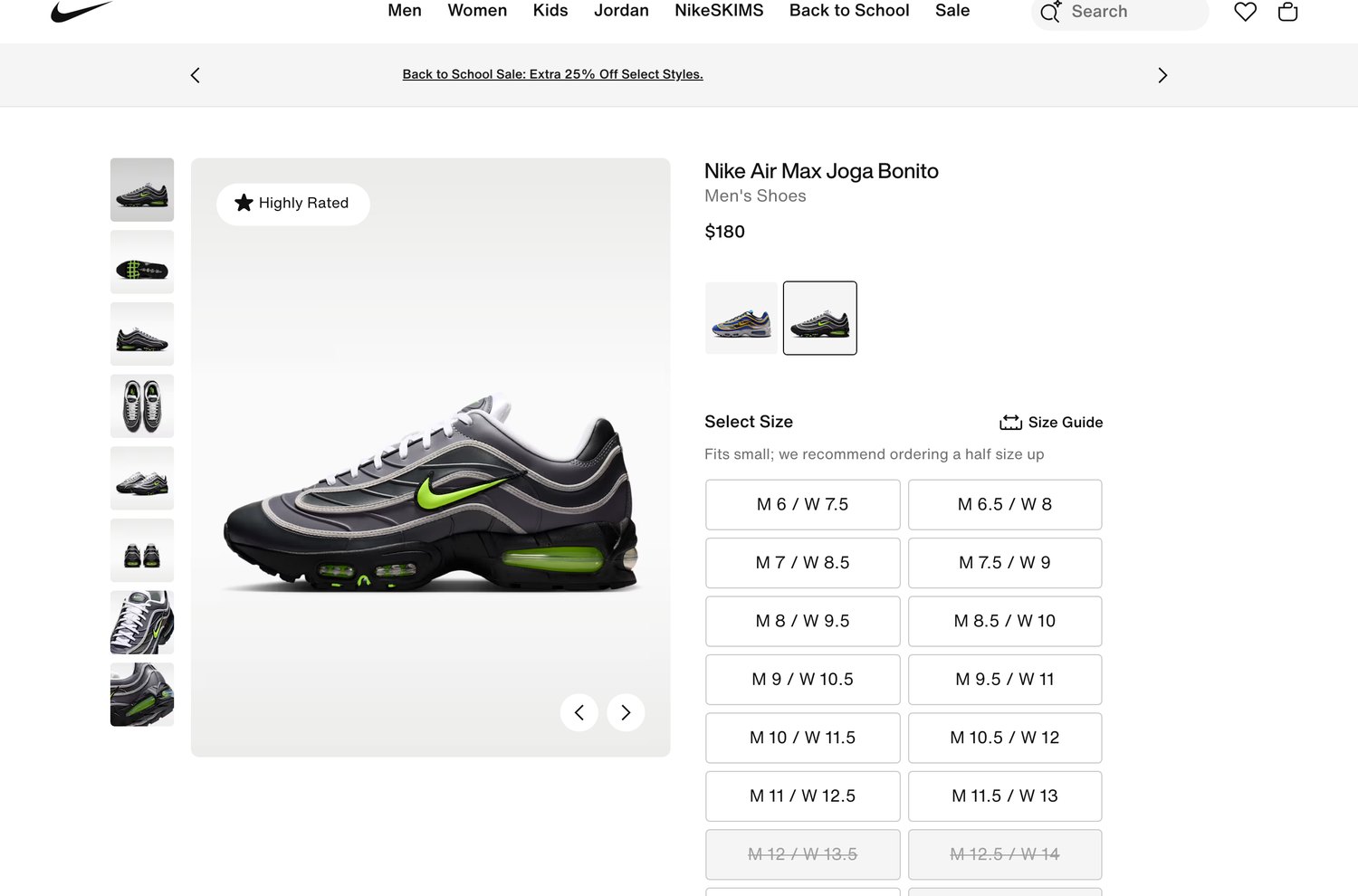
A card appears at Nike, Samsung, Macy's and thousands more, whenever a store is paying Miles. Click Activate before you check out.
Miles arrive
They show as pending once the store reports your order, and become available after the store's return window, usually 30 to 60 days.
Where your Miles come from
The store pays us. We pay you.
- The store pays Dyme a commission when you shop through us
- We turn that commission into Dyme Miles in your account
- We never sell your data, and your browsing stays private
FAQ
Questions, answered.
What is a browser extension?
A small add-on for Chrome. You get a Dyme icon in your toolbar, and a card appears on store and travel pages when there are Miles to earn. No separate app to install.
Can I use it on my phone?
Not yet. It runs in Chrome on a computer. Tap the install button on your phone and the Chrome Web Store offers Add to Desktop: Chrome installs it the next time you open Chrome on a computer where you are signed in.
Is it really free?
Yes. Free to install, free to use, and you never pay Dyme to earn Miles or see member rates.
What can I do with Dyme Miles?
Hotels and flights booked through Dyme at member-only private rates, with no blackout dates, and gift cards at hundreds of brands. Miles don't expire while your account is open. An account left unused for 24 months is closed and its Miles are forfeited, so a single sign-in keeps the balance alive.
Does Dyme see everything I browse?
No. It checks the page you are on locally, in your browser, to see whether there are Miles to earn. Nothing reaches Dyme until you click Activate. Your browsing is never sent to us.
How do I earn Miles when I shop?
Click Activate on the Dyme card before you check out. Rates vary by store and by category, and Miles are reversed if the order is returned or cancelled.
How long until I get my Miles?
They show as pending once the store reports the order, and become available to spend after its return window closes. For most stores that is 30 to 60 days after the purchase. The exact date is shown against the order in your account.
How do I remove it?
Right-click the Dyme icon in your toolbar and choose Remove, or manage it from Chrome's extensions page. To keep the extension but unlink your account, open the Dyme popup and choose Disconnect this device.
Turn your shopping into your next trip.
Free to install, free to use.
 Get the Chrome Extension
Brand names, logos, and trademarks shown on this page are the property of their respective owners. They are used here for identification and illustration only, and do not imply any endorsement of, sponsorship of, or affiliation with Dyme. Earn rates vary by store and category and can change; see each store’s page on Dyme for current terms.